一、安装 Plugins / MCP
1
| claude plugin install superpowers@claude-plugins-official
|
1
| npx ctx7 setup --claude --api-key YOUR_API_KEY
|
1
| claude plugin install frontend-design@claude-plugins-official
|
1
2
| claude plugin marketplace add nextlevelbuilder/ui-ux-pro-max-skill
claude plugin install ui-ux-pro-max@ui-ux-pro-max-skill
|
1
2
3
| claude plugin install figma@claude-plugins-official
claude mcp add --scope user --transport http figma https://mcp.figma.com/mcp
|
1
2
3
4
5
6
7
| # 添加 MCP
claude mcp add stitch --transport http https://stitch.googleapis.com/mcp --header "X-Goog-Api-Key: api-key" -s user
# 或者 安装 skills
npx skills add google-labs-code/stitch-skills --list
npx skills add google-labs-code/stitch-skills --skill react:components --global
|
二、Start a new idea!
- 头脑风暴
1
2
3
| 使用 superpowers brainstorming skill。
我的想法:xxxx
|
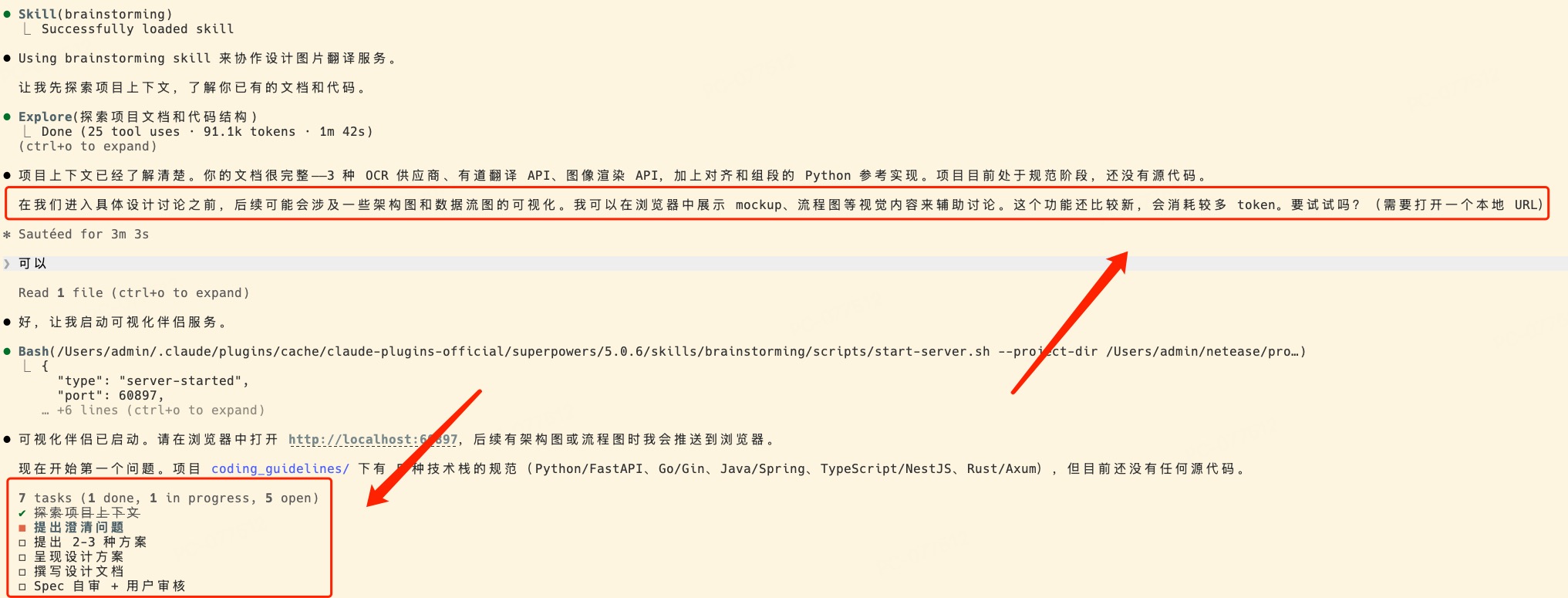
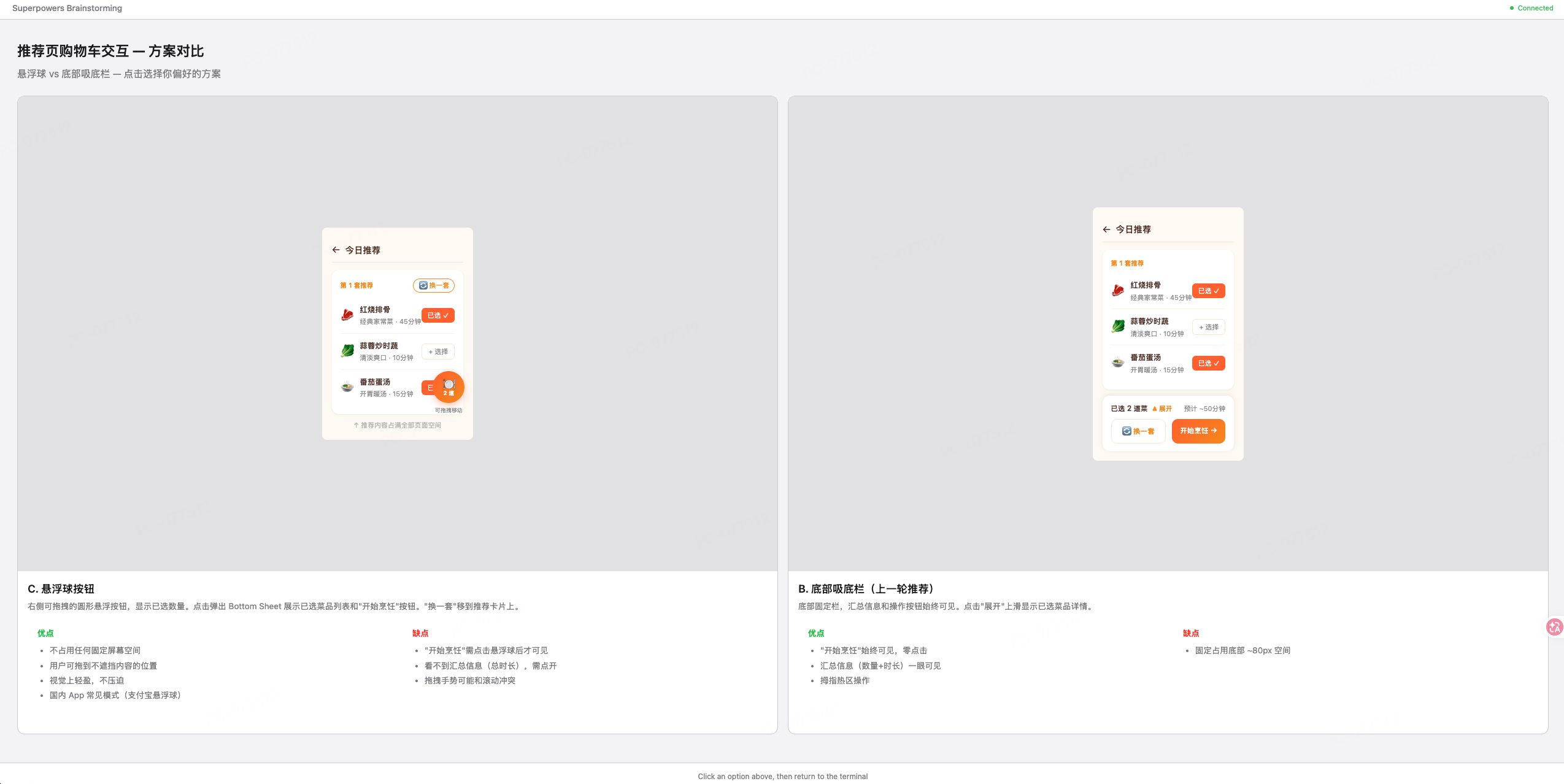
在这个过程中,会对你的想法进行细化和澄清,并且会在网页中展示示例样式。
- 编写计划
1
| 使用 superpowers writing-plans skill。基于 @spec.doc 编写执行计划
|
- 执行计划
1
| 使用 superpowers executing-plans skill。执行计划。
|
Reference
- Documents
- Open Source repos
- Agent teams plugins (非官方)
- Other shares
- LinuxDo shares